MoonGit
Sign commits and inspect signatures
Use your existing Git signing setup and check signature details on a commit.
Configure signing in Git
Set up a GPG or SSH signing key in Git using the settings your team expects. Check that Git can access the signing program and key on this machine. Share the public key or register it with your hosting service as required by your team.
Choose a signing option when committing
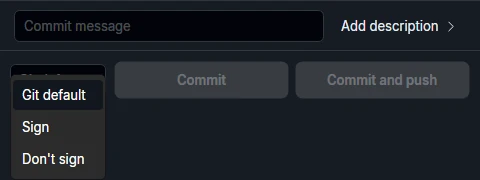
Enable Commit signatures under Settings → Advanced features if needed. Open the commit composer and choose Git default, Sign, or Don't sign. Git default uses the Git setting commit.gpgsign. Sign and Don't sign override it for the commit you're making.
Inspect a commit's signature
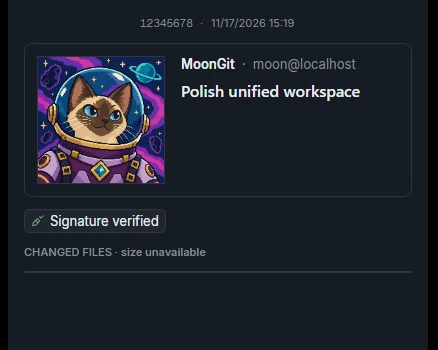
Select the resulting commit and open its signature details. If the commit is signed and local verification fails, check that the correct public key is available and that your local trust or allowed-signers configuration treats it as expected. If the commit is unsigned, check the choice in the composer and the Git settings used for that commit.