 MoonGit
Search and read commit history
Find a commit by message, author, date, or path and inspect what it changed.
Search for a change
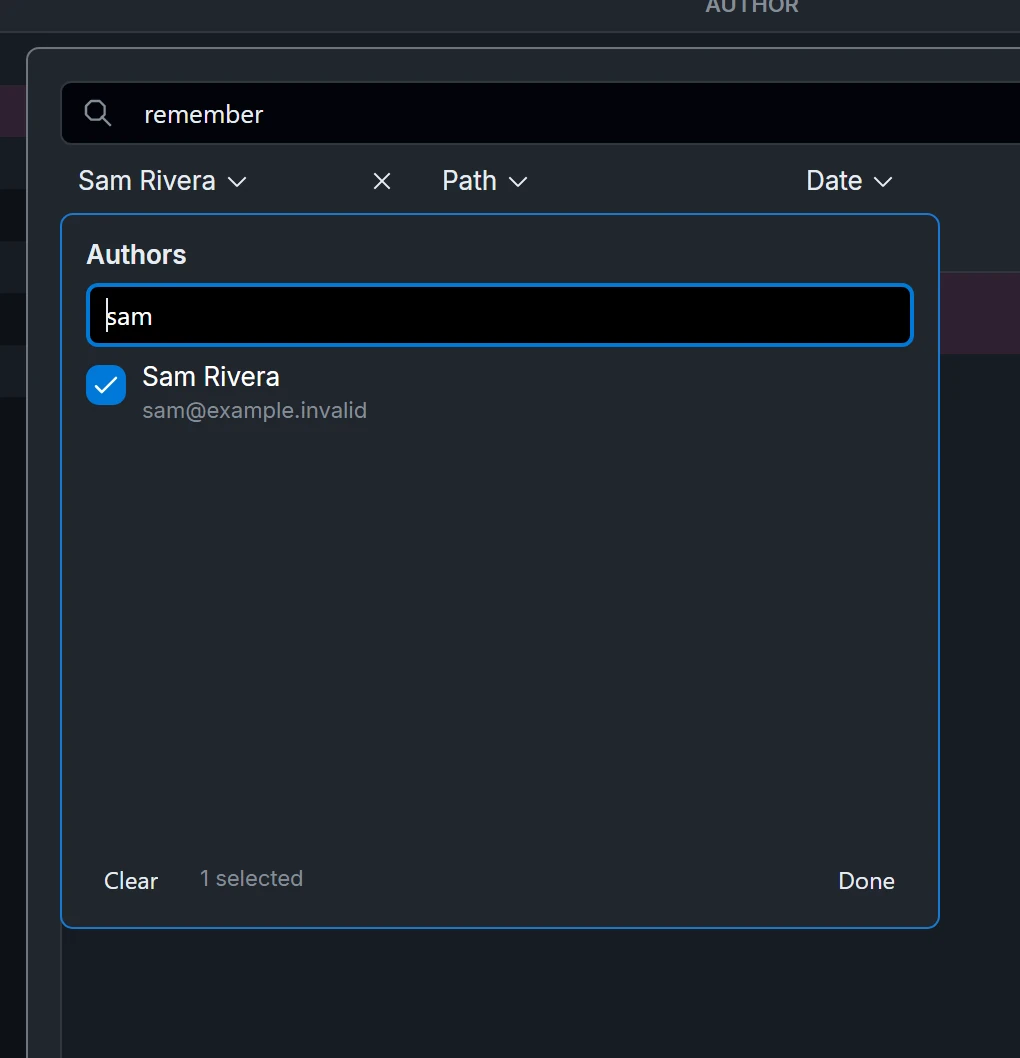
Select the magnifying glass in the graph header to open Search repository history. For example, search for “empty search results”, then limit the author and add the path src/search.ts. If the result disappears, clear one filter at a time to see which one excluded it.
Inspect the result in the graph
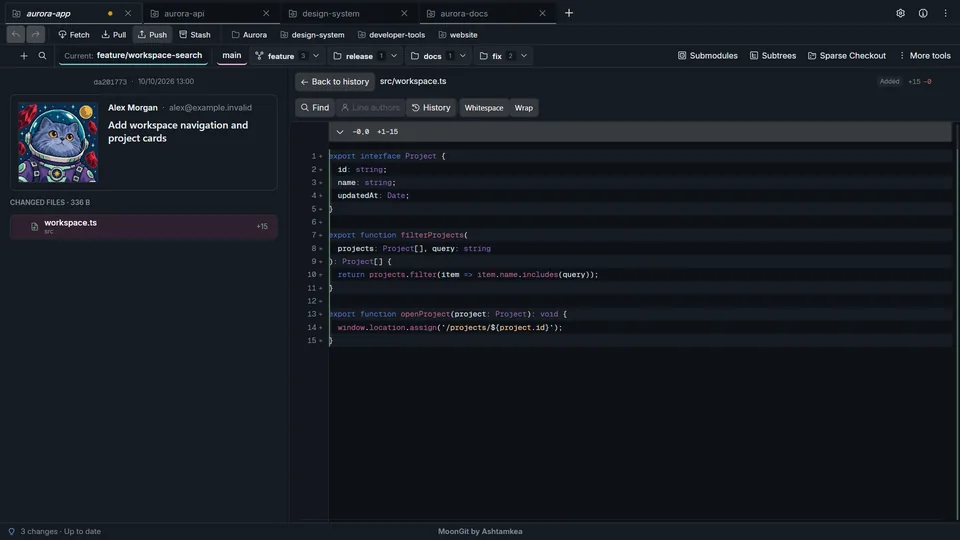
Select a result and check the full commit message, its parents, and the changed files. Look at the branches that contain that exact commit to see whether it reached the expected branch. Fetch before relying on remote-tracking refs.
Follow the change beyond one commit
Open the changed file to review its diff. Cherry-picking and rebasing can create a different hash for equivalent changes. Compare revisions or check file history if you cannot find the original hash in the destination.
Watch Explore and Compare History · See the release-branch example