 MoonGit
Review, stage, and commit changes
Inspect a diff, choose what goes into a commit, and check the result in the commit graph.
Review the working changes
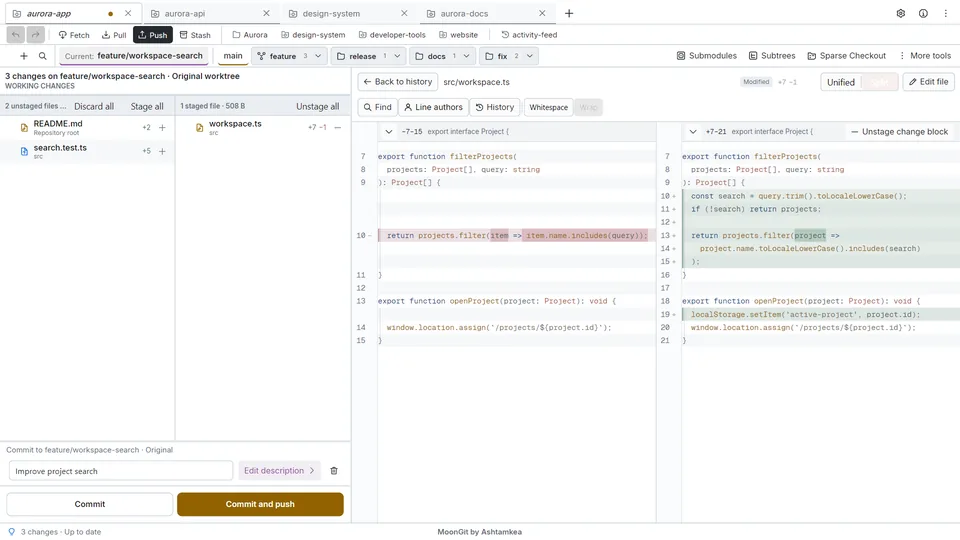
Open the repository, check the destination branch, then select a changed file under Unstaged. Suppose search.ts has a bug fix and unrelated formatting. Use the diff to find the two changes.
Stage one change
- Use the diff's staging action on the bug-fix hunk or the selected lines.
- Open the file under Staged and confirm it contains the fix. Open the same file under Unstaged and confirm the formatting is still there.
- If you staged too much, use the staged diff to unstage those edits. The edits stay in your working file.
Make a commit
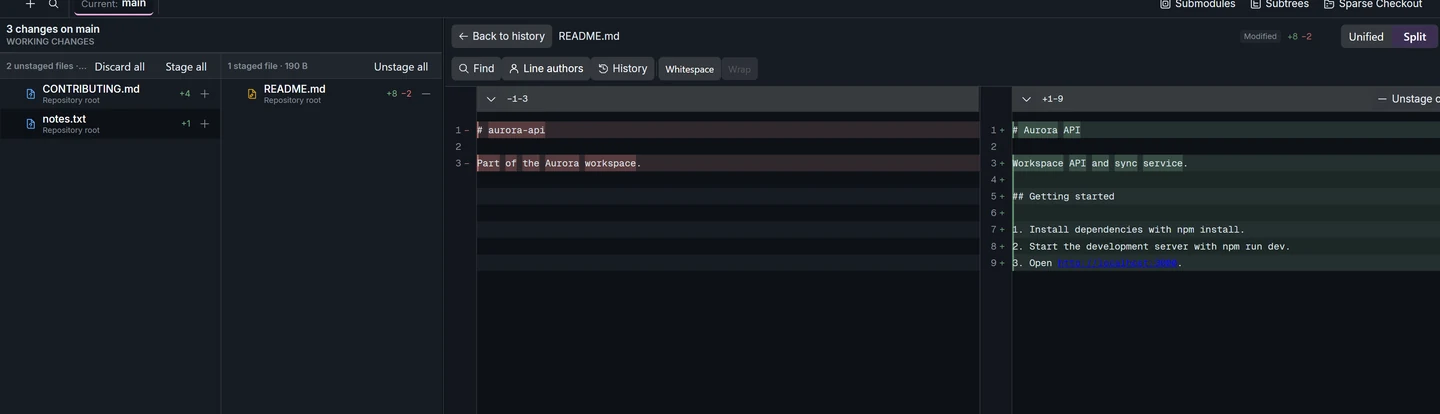
- Enter a summary such as “Fix empty search results” and an optional description. If Git asks for an identity, set it in Settings.
- Select Commit. Find the new commit in the graph and check that it contains the fix.
- Confirm the formatting is still under Unstaged. Push when you want to share the new commit.
