MoonGit
Stash and restore unfinished work
Save a local draft, inspect the stash, and bring it back into the intended worktree.
Save a draft
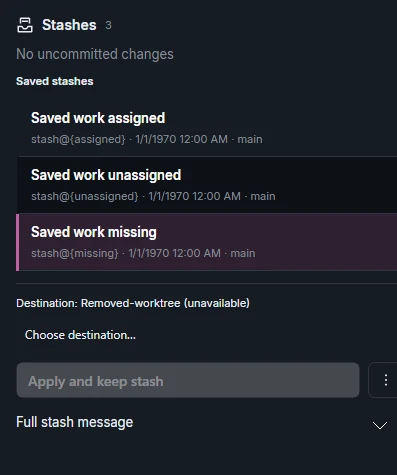
Open the stash action from the toolbar of the checkout you want to pause. Check whether the save includes untracked files. Use a name such as “Search form draft” and verify the entry in the Stash panel.
Inspect and restore to the right checkout
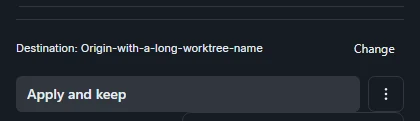
Select the stash to inspect the saved diff. In a repository with linked worktrees, confirm both the folder and branch in the destination. Use Apply and keep stash when you want to keep the stash as you verify the restored edits. Apply and delete stash applies the edits and removes the entry after a successful application. Check the Staged and Unstaged lists afterwards.
Respond to a blocked restore
If the restore stops on a colliding path such as src/search.ts, open that file in the destination and see which work is already there. Save the destination edits or choose a suitable clean checkout before retrying. If Git stops on conflicts, use the resolver. Confirm which stash entries are still present before deleting anything.