MoonGit
Initialize and update submodules
Work with separately versioned Git repositories pinned by a parent repository.
Read what the parent pins
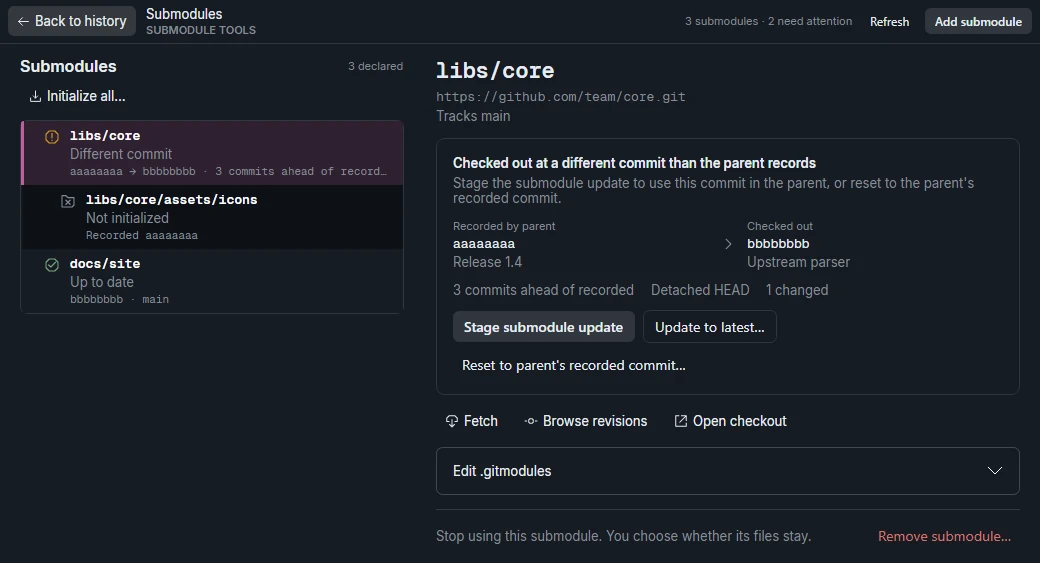
Enable Git submodules in Settings → Advanced features if needed. Open Submodules on the branch bar. For each submodule, compare the parent's recorded commit with the checked-out commit. An uninitialized submodule needs to be fetched and checked out. A mismatched revision has a checkout at a different commit.
Initialize or align a checkout
Select the dependency you want to initialize. Initialize all… prepares all declared submodules. Review the sources and credentials first. A submodule at its recorded commit can appear on a detached HEAD. Check the recorded and checked-out commit IDs after initialization.
When the parent moves to a different branch or commit, MoonGit can align the submodules. If the operation reports saved changes or a partial checkout, review the stash location and completed submodules before retrying.
Update the recorded version
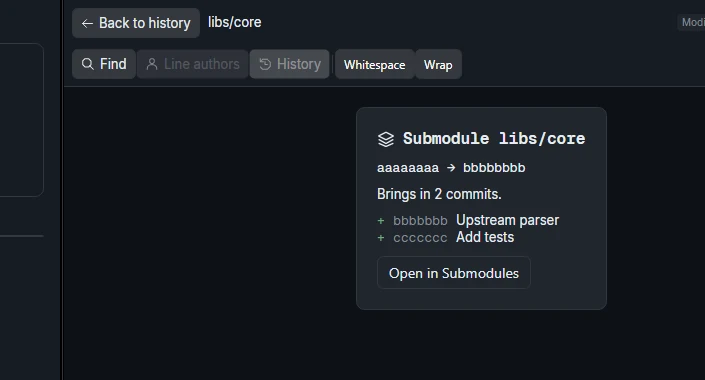
For example, advance vendor/parser to a commit you tested. Open the parent repository's working changes and inspect the submodule entry. It should show the old and new commit IDs. Stage and commit the pointer in the parent. Before sharing that parent commit, confirm teammates can fetch the referenced dependency commit.