 MoonGit

 Deutsch
 Español
 Français
 日本語
 עברית
 Português (Brasil)
 繁體中文
Git branch already checked out in a worktree? How to fix it
Find the folder that already owns a Git branch, open it in MoonGit, or repair a worktree registration after moving the folder.
If Git says a branch is already checked out in a worktree, run git worktree list and open the folder that already owns the branch. Git normally allows one checkout per branch. If you need a second folder at the same commit, create a separate review branch and leave the existing checkout’s staged, unstaged, and untracked files in place.
Find the folder that owns the branch
From any working checkout in the repository, run git worktree list. A Windows repository can produce output like this:
C:/Dev/orbit         abc1234 [main]
C:/Dev/orbit-search  def5678 [feature/search]
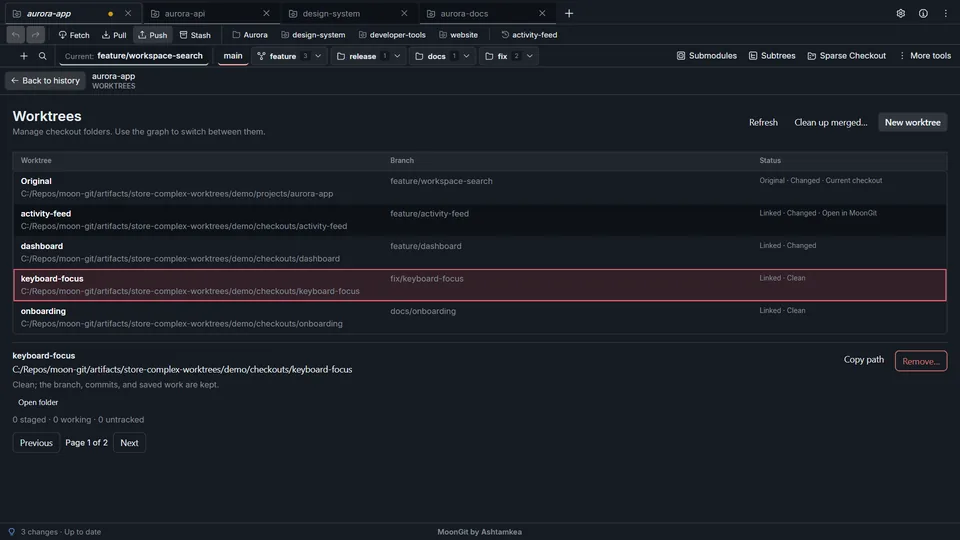
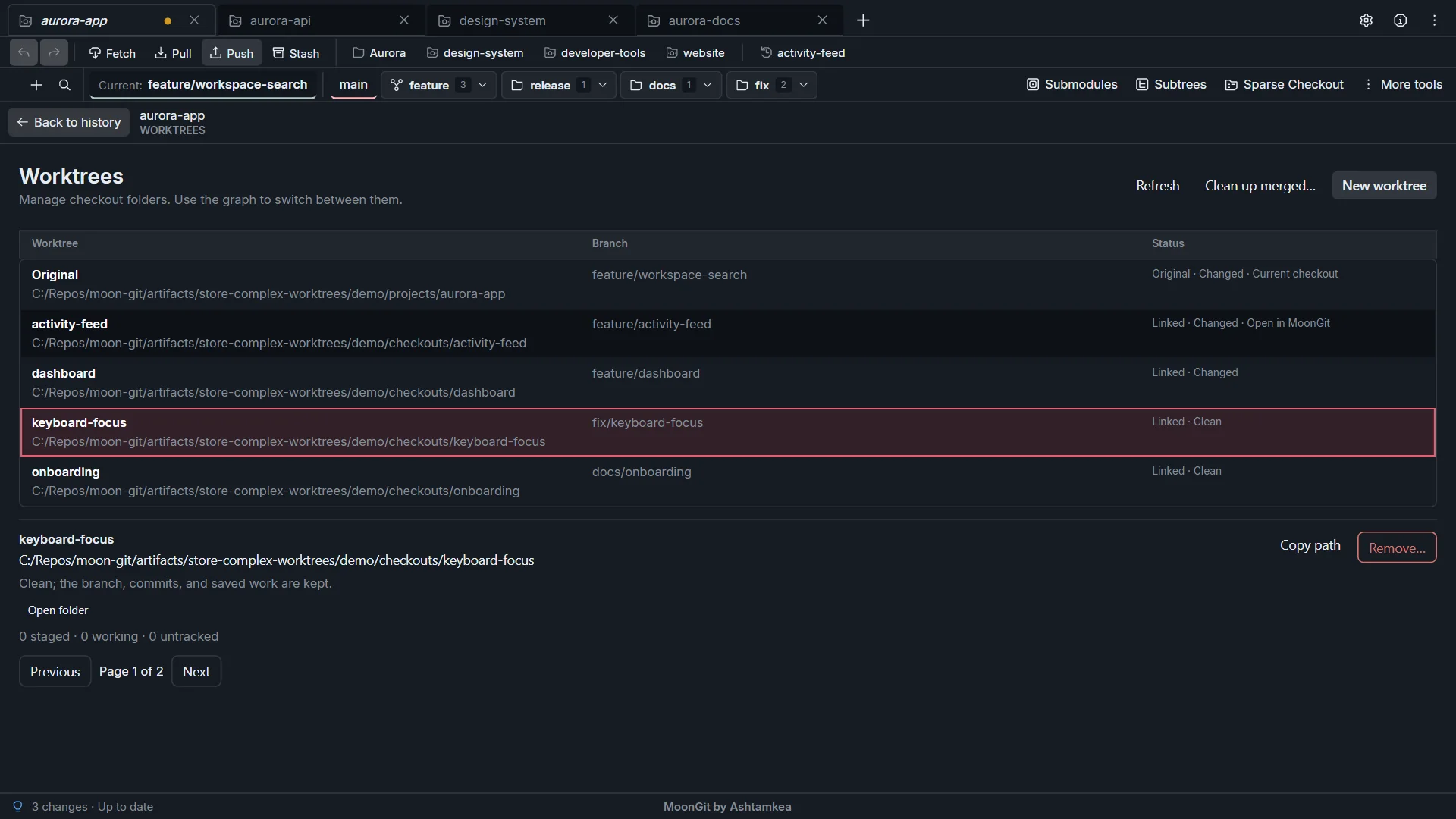
Run git -C 'C:\Dev\orbit-search' status --short --branch using the path shown on your machine. Check the branch and whether anyone has work in progress before using that folder yourself. In MoonGit, open Worktrees and match the branch to its folder. Use View changes to inspect it or Open folder to open the checkout in Explorer. MoonGit worktree guide
Open that checkout or make a new review branch
Use the existing folder if it is yours and you want to continue work on the same branch. For an independent review, create a separate branch starting from the existing branch tip. From the primary checkout in the example:
$review = 'C:\Dev\orbit-search-review'
git worktree add -b review/search $review feature/search
git -C $review status --short --branch
Choose a fresh path and branch name. The new branch starts at the committed feature/search tip. Pending changes from the existing worktree stay in its own folder. In MoonGit, create the worktree with a new branch and choose feature/search as the starting point. Walk through a separate review checkout
Repair a moved folder or inspect a stale registration
If you moved the linked folder manually and still have its files, run git worktree repair 'C:\Dev\new-search-location' from a working checkout. Follow it with git worktree list and git -C 'C:\Dev\new-search-location' status --short --branch to verify the path and branch. Reconnect removable drives and network shares before treating a missing folder as an old registration.
If the folder was intentionally deleted, preview which records Git would prune:
git worktree prune --dry-run --verbose --expire now
That preview may include registrations for more than one folder. Confirm every item before removing records. MoonGit's Remove stale registrations action is for checkouts whose folders are already gone. For a checkout that still exists, inspect its contents and use the normal removal workflow. Git worktree reference · Retire a linked checkout