 MoonGit

 Deutsch
 Español
 Français
 日本語
 עברית
 Português (Brasil)
 繁體中文
How to safely delete a Git branch after a squash merge
Verify the merged pull request, look for commits added after the merge, and check the linked worktree before removing a branch.
Before deleting a squash-merged Git branch, verify the squash commit on the destination, check for source commits added after the pull request merged, and inspect any linked worktree for unsaved files. A squash creates a new commit, so git branch --merged main can omit the source branch even when the pull request says Merged. GitHub’s pull request merge reference
Identify the merged head and the current branch tip
In the merged pull request, confirm the destination branch, source head at merge time, and the resulting squash commit. Fetch the remote when refs may be stale. In this example, the search PR combined two commits into one on main. The feature branch now has a third commit, Add a keyboard shortcut, which was pushed after the PR merged.
From a checkout of the same repository, run the following in PowerShell. Replace the sample ID with the PR's original head commit, and choose the local or remote-tracking source ref you actually want to review.
$mergedHead = 'abc1234'
$source = 'origin/feature/search'

git merge-base --is-ancestor $mergedHead $source
if ($LASTEXITCODE -eq 0) {
    git log --oneline "$mergedHead..$source"
    git diff $mergedHead $source
}
The ancestry check confirms that the source still descends from the reviewed PR head. The log then shows any commits added since that head, and the diff shows their cumulative changes. In the example the keyboard shortcut appears in both, so keep the branch until that work is preserved or deliberately dropped. If the ancestry check fails, the source may have been rewritten or the refs may be missing. Compare the actual changes against the destination and investigate before cleanup. Git merge-base reference · Git diff reference
Check that the changes landed on the right branch
Review the squash commit and its diff on the PR's destination. Check the resulting files if the destination has changed since the merge. A single matching patch can help verify a cherry-pick. A squash can combine several patches into one, so a one-to-one patch comparison can miss it. The full PR diff and the resulting destination files give you a better basis for the decision.
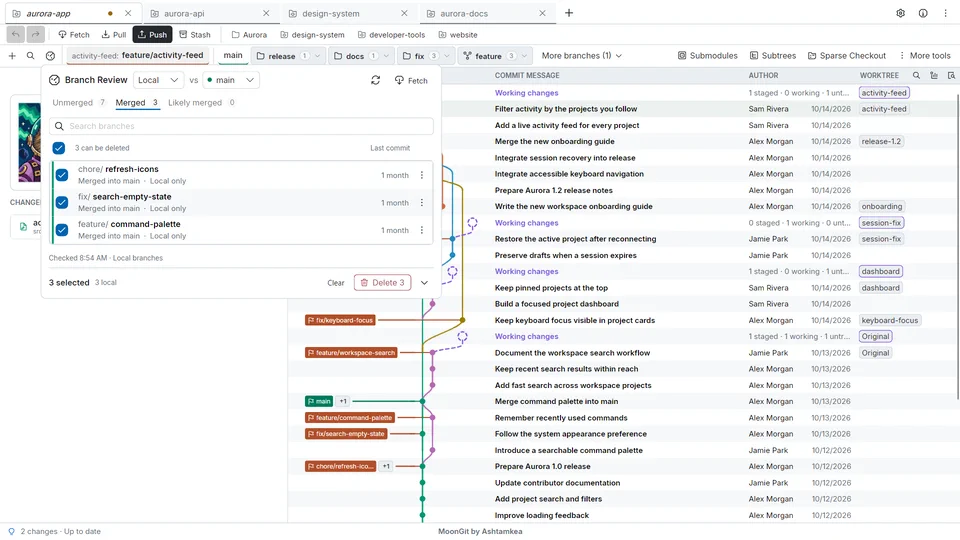
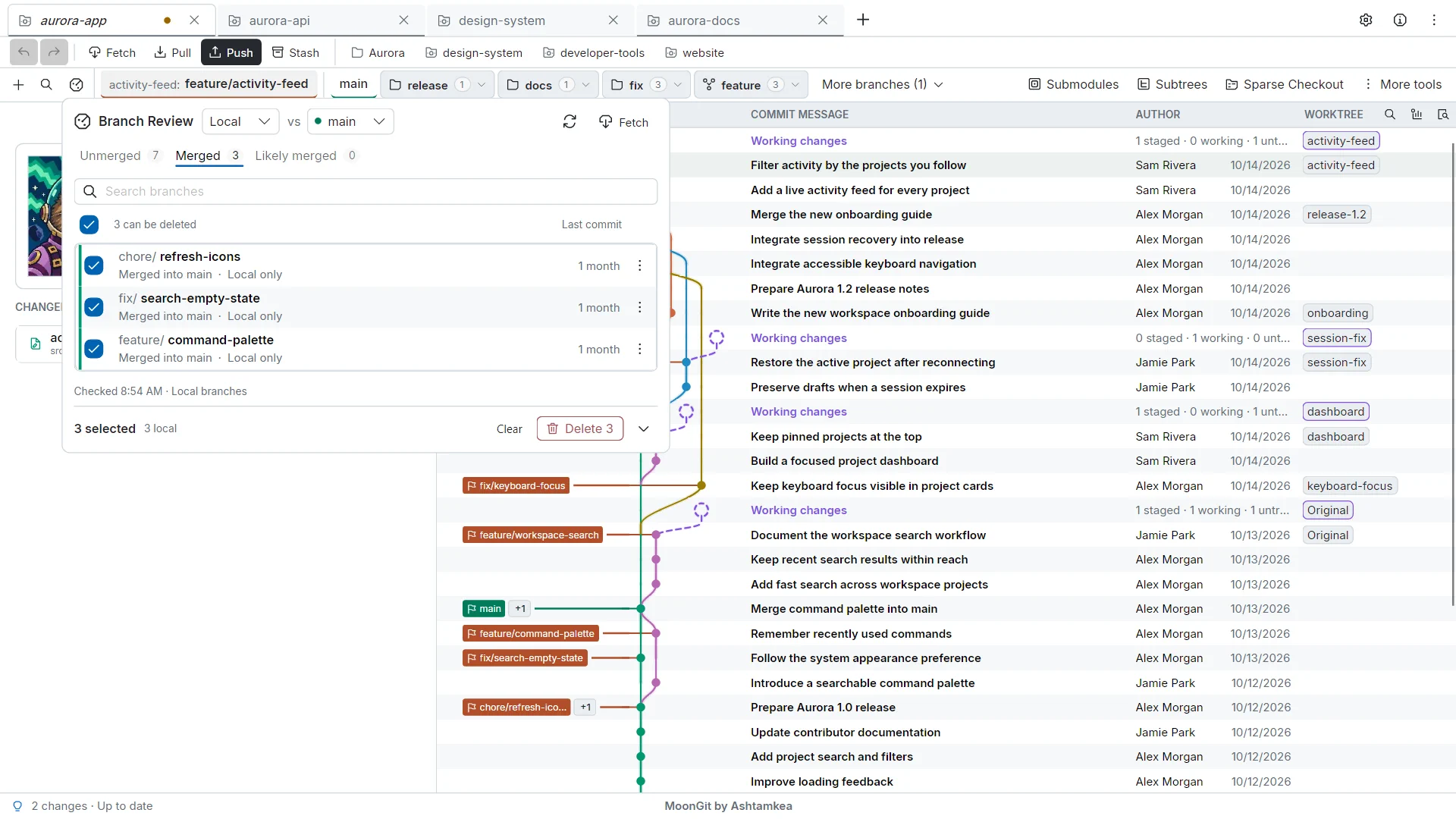
If your installed version offers Branch Review (MoonGit 1.0.12 or later), select the local or remote source and the correct baseline. Likely merged points you toward a branch worth inspecting. Open the branch tip and compare before approving removal. Check whether a specific fix reached the destination · Branch Review walkthrough
What can still be lost when you delete the branch?
| What you find | What to do |
|---|---|
| PR changes landed and the branch has no later work | Check for a linked checkout and review which branch refs you intend to remove. |
| Commits arrived after the PR merged | Keep the branch or preserve the extra commits on a new branch before proceeding. |
| A linked checkout contains local changes | Open that worktree and save the changes you need, including untracked or ignored files. |
| The source changed in a way you cannot explain | Keep it and compare with the destination until you can account for the remaining work. |
In MoonGit, inspect the worktree folder and branch separately in the cleanup confirmation. A remote branch deletion affects teammates. A worktree removal affects files in a particular checkout. Check the selected items before confirming. In Git CLI, git branch -d may refuse a local branch after a squash because the commit history still differs. Treat the refusal as a prompt to review the evidence first. Git branch reference · Retire a linked checkout
Reproduce the squash-merge case locally
This PowerShell example simulates the PR in a disposable repository. $mergedHead records the feature tip at the point a PR would have merged. To run the earlier check, open $demo in PowerShell and reuse $mergedHead and $source. The log should show only Add a keyboard shortcut.
$demo = Join-Path ([IO.Path]::GetTempPath()) ('moongit-squash-review-' + [guid]::NewGuid())
$source = 'feature/search'
git init -b main $demo
git -C $demo config user.name 'Branch Demo'
git -C $demo config user.email 'branch-demo@example.com'
git -C $demo config commit.gpgSign false
Set-Content (Join-Path $demo 'search.txt') 'Search'
git -C $demo add search.txt
git -C $demo commit -m 'Add search screen'

git -C $demo switch -c $source
Add-Content (Join-Path $demo 'search.txt') 'Show matching results'
git -C $demo commit -am 'Show results'
Add-Content (Join-Path $demo 'search.txt') 'Show a message when there are no results'
git -C $demo commit -am 'Handle empty results'
$mergedHead = git -C $demo rev-parse HEAD

git -C $demo switch main
git -C $demo merge --squash $source
git -C $demo commit -m 'Improve search results'
git -C $demo switch $source
Add-Content (Join-Path $demo 'search.txt') 'Ctrl+F opens search'
git -C $demo commit -am 'Add a keyboard shortcut'
git -C $demo switch main
git -C $demo log --oneline "$mergedHead..$source"