 MoonGit
Connect a hosting account
Find repositories on your hosting service and choose the account MoonGit uses to read them.
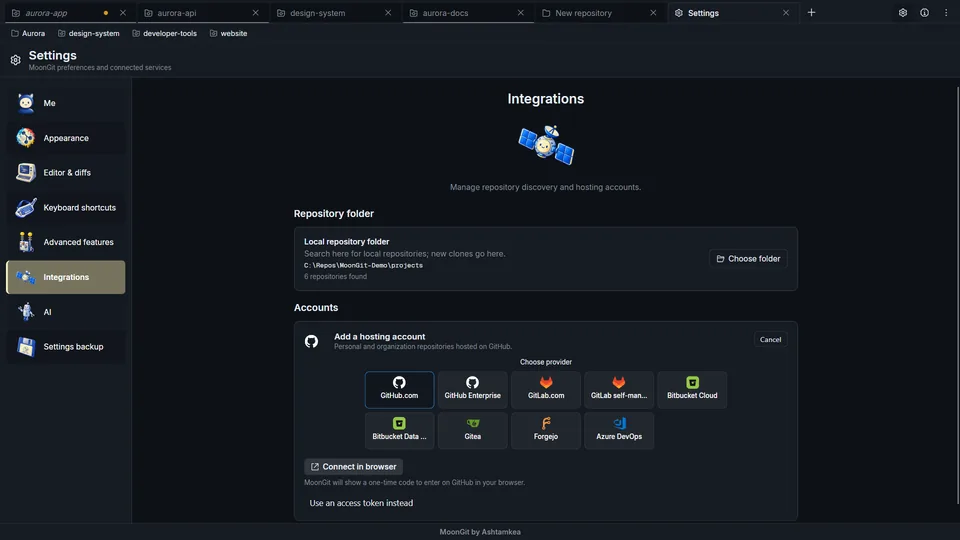
Connect GitHub.com in the browser
- Open Settings → Integrations → Add account, choose GitHub.com, and select Connect in browser.
- Follow GitHub's authorization prompt using the device code displayed by MoonGit. Return to MoonGit and check that it shows the GitHub identity you intended.
- Open the repository finder and verify that the connected source lists a repository you can access.
Connect to a self-hosted server
For self-hosted GitLab, choose GitLab, enter the server's base URL, and follow the form's access-token instructions. Check that the token can read the repositories and the APIs you intend to use. Confirm that the expected repository appears in the finder. GitHub Enterprise, Bitbucket, Azure DevOps, Gitea, and Forgejo have their own account forms.
If TLS validation fails, ask the server administrator for the correct certificate trust setup. Confirm the server's identity through a trusted channel before accepting a private certificate.
Provider capabilities
See the hosting and CI compatibility table for the editions that support repository discovery and commit checks. For provider permissions, result freshness and logs, see Find a failed CI check.
Match the account to the repository
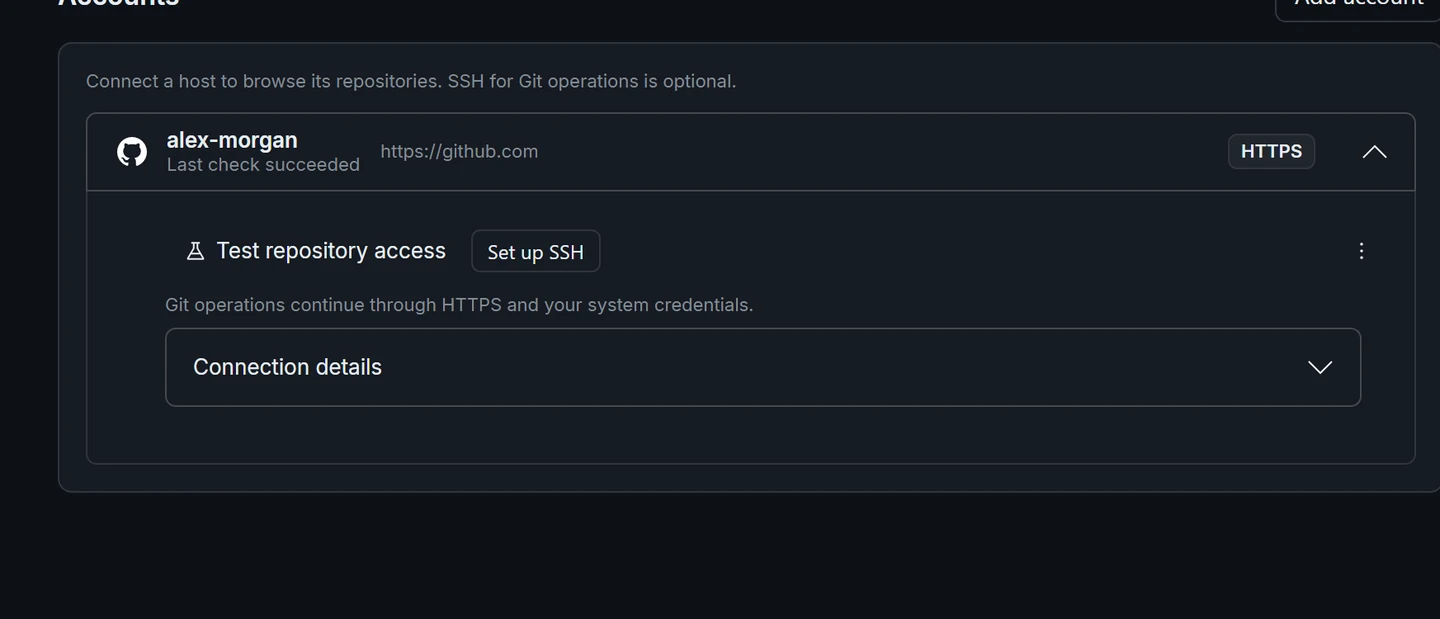
Match the host, organization, and identity when choosing a repository or looking at CI checks. Account discovery and Git transport require separate checks. If the repository list works, try a clone into a new folder or a fetch from an existing checkout. An SSH URL requires a key the server trusts. An HTTPS URL requires credentials accepted for that URL.
Watch Connect Your Accounts · Open or clone a repository
Optional AI and local clients
Hosting accounts do not enable AI or MCP. Configure AI commit-message drafts separately with a supported provider and review its charges and data handling. Enable MoonGit MCP only when you want compatible local clients to access repository context. The privacy guide describes what each operation can share.