 MoonGit

 Deutsch
 Español
 Français
 日本語
 עברית
 Português (Brasil)
 繁體中文
Write and test Git hooks
Enable Git hooks in MoonGit, inspect the scripts a repository runs and test a commit-message rule with sample input.
Use MoonGit 1.0.13 and Git 2.36 or later for test runs. Try the example in a disposable repository.
Open the workbench
- Open Settings → Advanced features and turn on Git hooks.

- Open the repository and select Git Hooks in the branch bar or More tools.
If the list is hidden, select Browse hooks. Hooks from a core.hooksPath folder are read-only in MoonGit.
Create a commit-message check
- Under Commit, select
commit-msg. - Select Add hook.
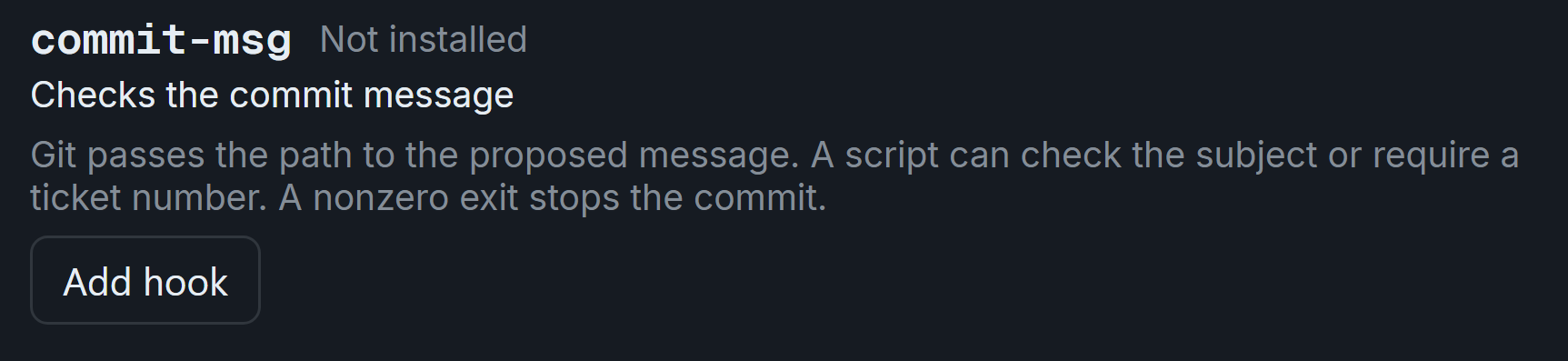
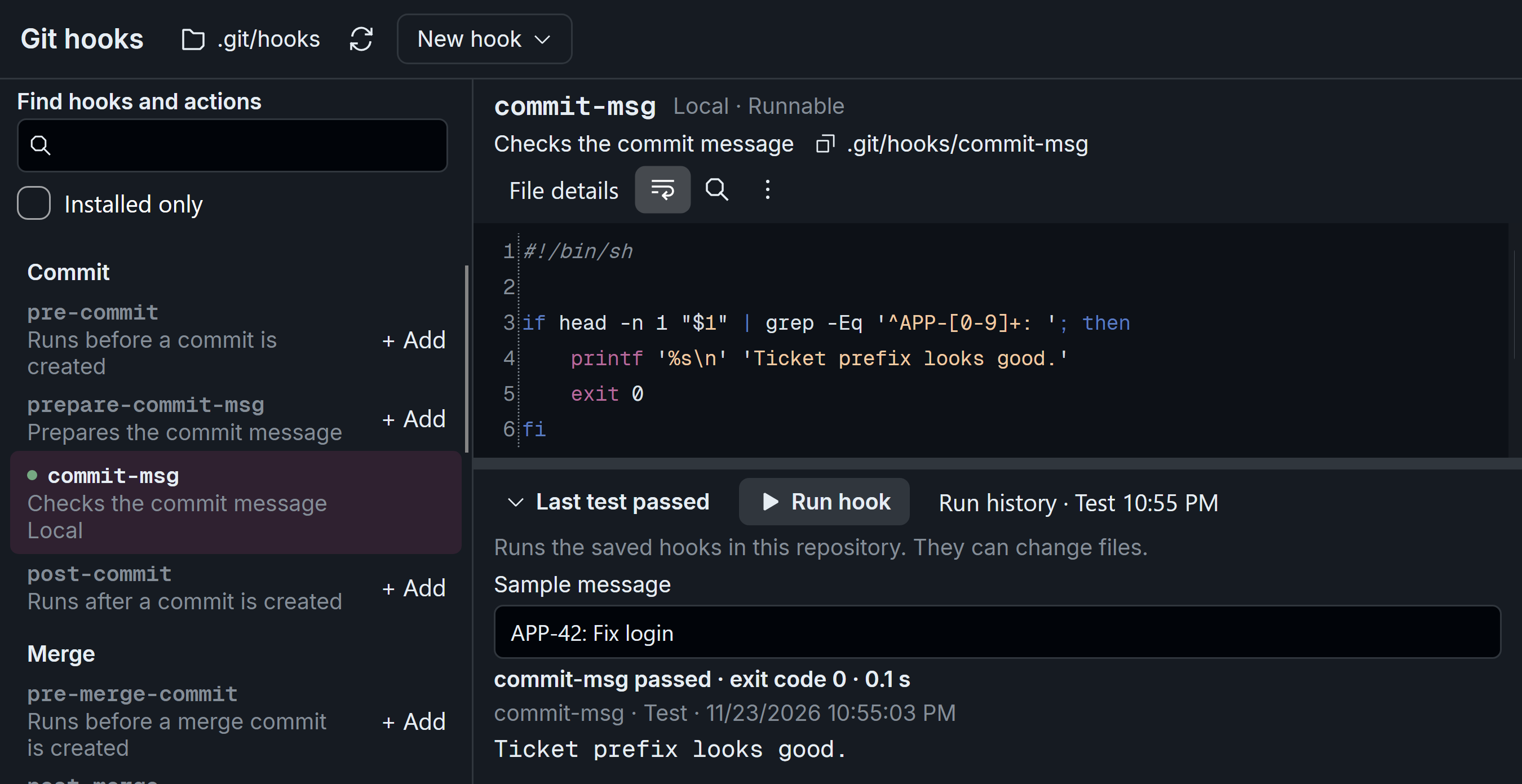
- Replace the starter text with the script below.
#!/bin/sh

if head -n 1 "$1" | grep -Eq '^APP-[0-9]+: '; then
    printf '%s\n' 'Ticket prefix looks good.'
    exit 0
fi

printf '%s\n' 'Start the subject with a ticket, for example APP-42: Fix login.' >&2
exit 1
- Select Create hook.
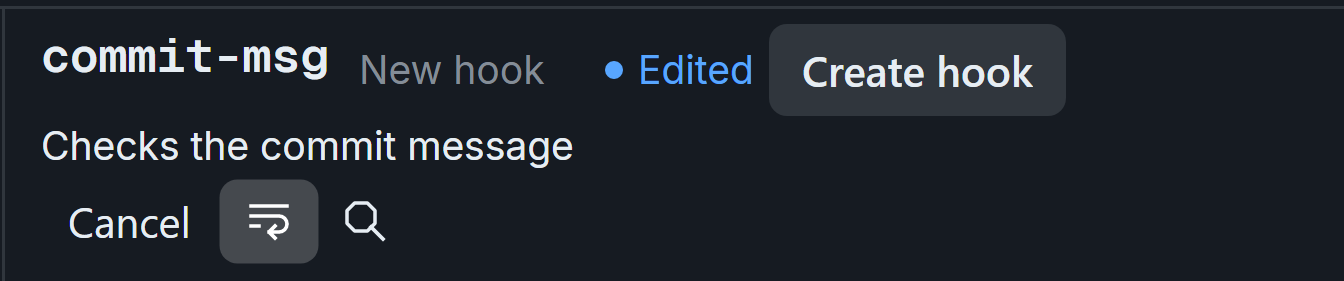
Run a failing and a passing test
Review the script before running it. Run hook executes the saved script in the repository.
- Select Test hook….
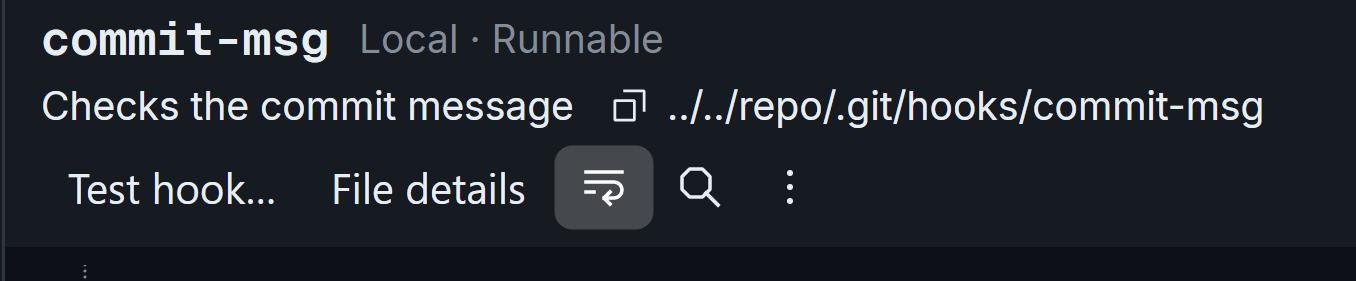
- Enter
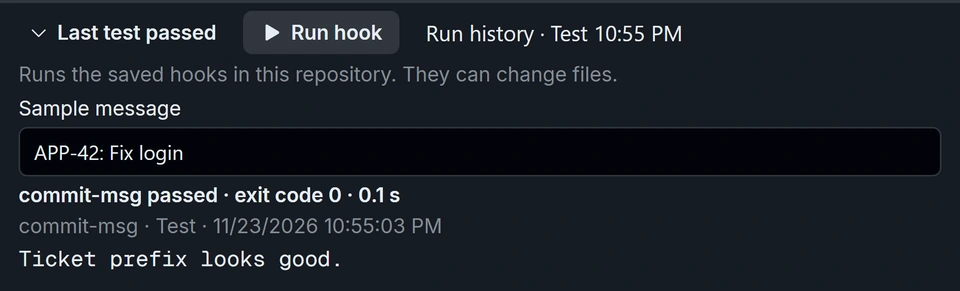
Fix loginin Sample message. Select Run hook.
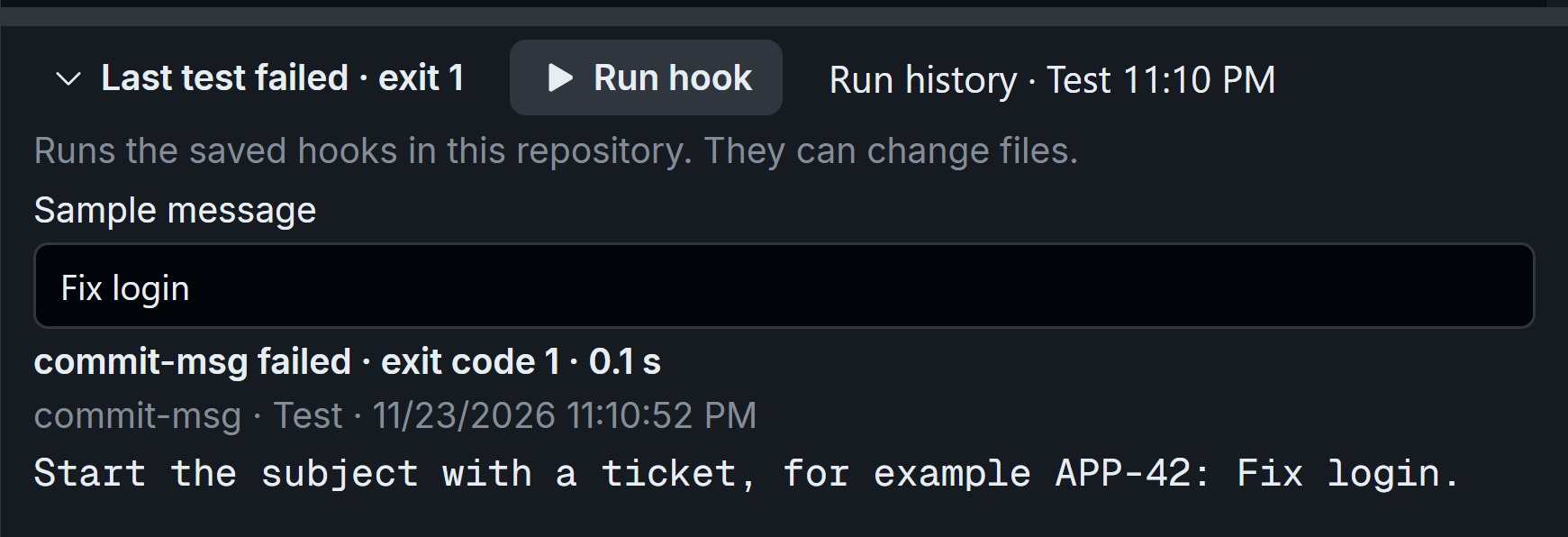
- Replace the sample with
APP-42: Fix loginand run it again.
Open a hook from a stopped commit
If Git stops a commit, read the hook name and output in the composer. Select Open Git Hooks to inspect that run.
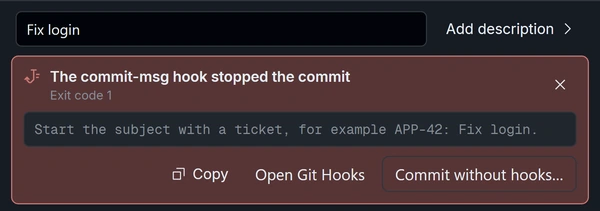
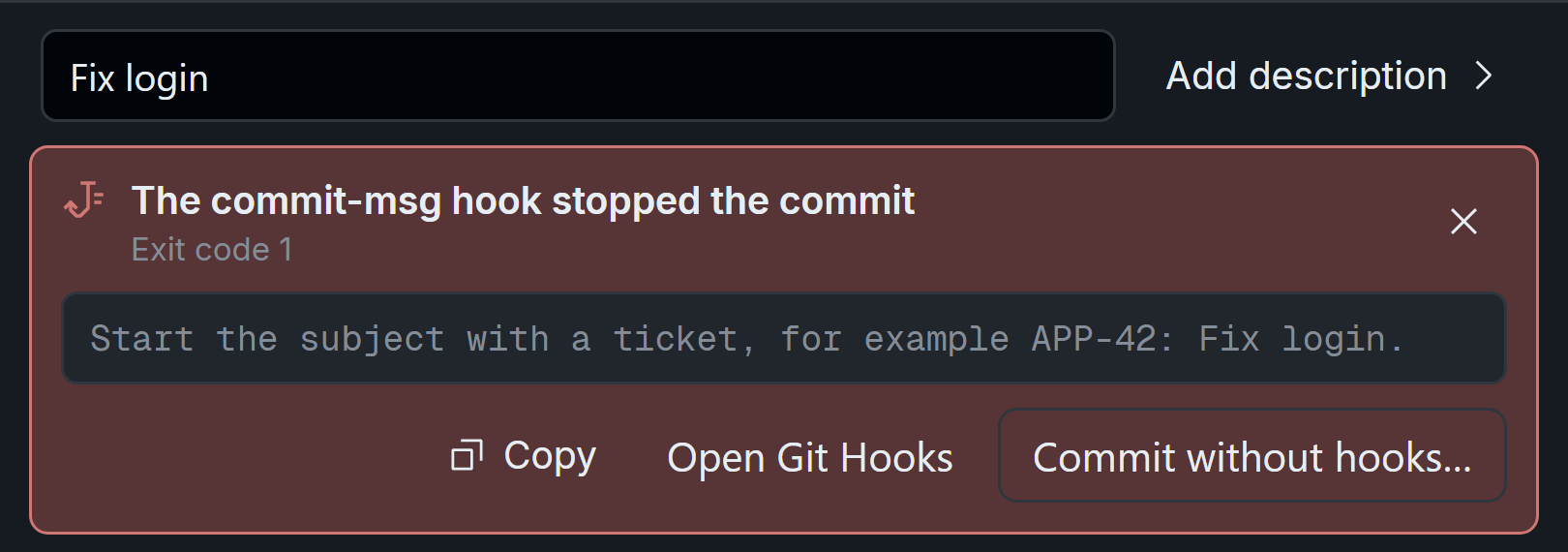
Correct the actual commit message in the composer and retry. Git’s hook reference