 MoonGit

 Deutsch
 Español
 Français
 日本語
 עברית
 Português (Brasil)
 繁體中文
How to compare two Git branches before merging
Compare branch tips or show changes since the common ancestor. Use the right Git diff and verify both revisions in MoonGit.
To review what feature/search changed before merging, use git diff main...feature/search. It compares the common ancestor with the feature tip. Use git diff main feature/search when you want to compare the files at the two current tips, including differences caused by changes to main.
When should you use a three-dot diff?
Suppose both branches contain commit A. main then adds a release note at B, while feature/search changes search.txt at C.
A ── B  main
 \── C  feature/search
| Question | Command | Expected example |
|---|---|---|
| How do the files at the two tips differ? | git diff main feature/search |
Shows the search edit and that the feature tip lacks the release note. |
What did the feature branch change since it split from main? |
git diff main...feature/search |
Shows the search edit, without the release-only change. |
| What commit is the comparison based on? | git merge-base main feature/search |
Prints the ID of A for this history. |
You can run these comparisons from any checkout of the repository. Fetch first if you mean to compare the latest remote-tracking refs, then substitute origin/main and origin/feature/search where appropriate. Reversing the endpoints reverses the direction of the tip-to-tip comparison. With the three-dot form it also changes which side is compared with the merge base. Git diff reference
Check the two revisions in MoonGit
For a tip comparison, open the branch actions and choose Compare current with on the target branch, or start from a commit and use Compare with. Read the displayed order before interpreting additions and deletions. To recreate the three-dot result, get the merge base with git merge-base, find that commit in the graph, and compare it with the feature tip. Use exact commit IDs when someone needs to reproduce the comparison after a branch moves.
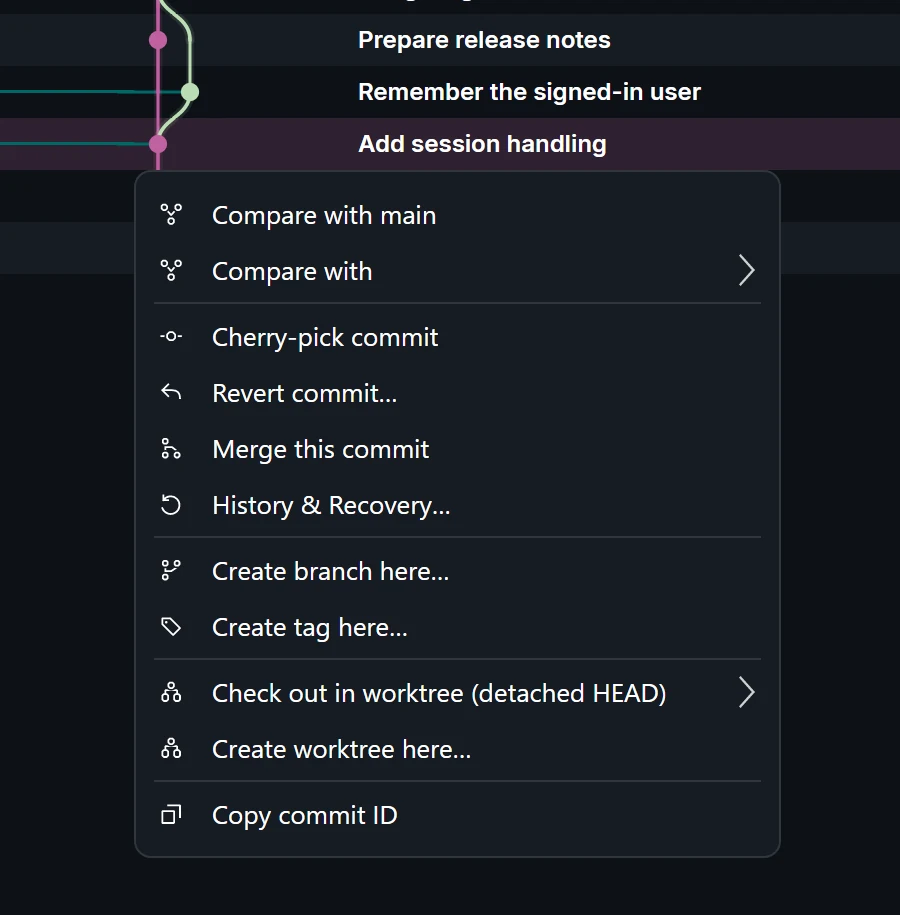
Use the diff to guide the merge review
Start with the changes since the common ancestor to review the feature. Then read any intervening main changes that touch the same behavior, APIs or files. The diff describes the selected revisions. To validate how they work together, use the repository's normal integration tests. If you need to run the feature while keeping your current edits in place, use a separate review worktree.
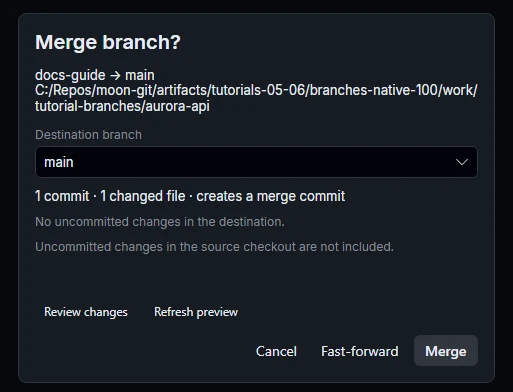
Compare revisions in MoonGit · Open a branch in a separate worktree